YOUR TEMPLATE. YOUR DESIGN.
Your PowerPoint template.
Reused with AI.
For consulting, research, and report teams who reuse an existing PowerPoint template. Explore a workflow that gives AI content rules while keeping your slide design.
Early access · Try the built-in demo today. Uploading your own PPTX and full self-service generation are still in development.
One design. Two real outcomes.
Like where this is going?
Send some love, or tell me how you would use it.
Explore the product in three steps
Processed locally · No file uploads
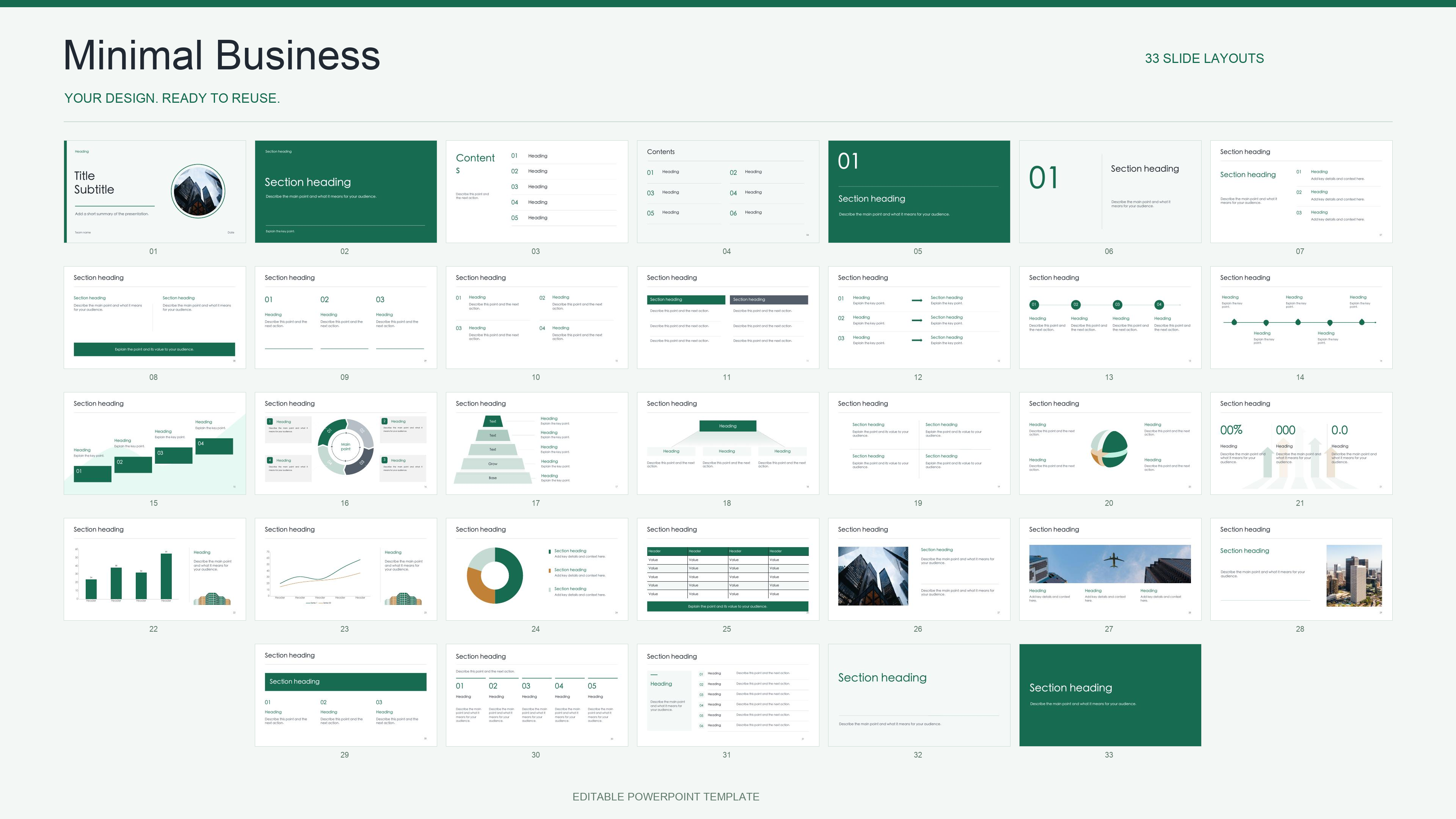
One PowerPoint template. Your next client report.
A familiar design gives recurring reports a consistent starting point. SlideLatch is being developed for template owners and small teams preparing consulting reports, research updates, and repeat client presentations.
How template reuse with AI works
Prepare the template
Choose the text and image slots that can change, set text limits and list capacity, and keep the rest of the design fixed. Try marking objects in the built-in 33-slide demo.
Give your AI the content rules
The planned workflow provides a template contract for the AI you already use. AI prepares content within those rules; SlideLatch does not offer an AI chat or a live generation service on this page.
Review an editable PowerPoint
Compare the two pre-generated reports shown here, including text, images, lists, and native charts. Download the PPTX examples to inspect them in PowerPoint, or export your changes from the demo.
The growth and efficiency reports use fictional business content in the same prepared template. They show real, pre-generated PPTX files, rather than a live AI generation session.
PowerPoint template reuse: questions and limits
Can I upload my own PowerPoint template now?
Not yet. This public demo uses the built-in 33-slide template; the upload control is disabled. Apply for an early trial to discuss your template and recurring report workflow.
Does the demo generate a presentation with AI?
The demo lets you edit template markings, node text, and layout, then download a modified PPTX. The generated report examples were prepared in advance with the existing template runtime. Full self-service AI generation is still in development.
Can I keep editing the downloaded file in PowerPoint?
The downloads are PPTX files with editable PowerPoint objects. The browser preview approximates the design; fonts, charts, and complex effects may look different. Check the downloaded file in your PowerPoint environment. We do not claim compatibility with every Office version, Keynote, or Google Slides.
Are my presentation files uploaded by the demo?
The built-in template is parsed and exported in your browser. There is no user-file upload in the current demo. The early-trial form is a separate Tally form; it is not a template upload service.
Does SlideLatch connect to Excel or schedule recurring reports?
Data connectors, scheduling, and automatic distribution are not available. The current examples demonstrate template reuse; they do not prove unattended report automation or the correctness of customer data.
How do I try SlideLatch with my team?
Use an Apply for a trial button and describe your repeated presentation task in the form. This is an early-trial application, not an instant account or a subscription checkout.
Your next report starts with your design.
Tell us about your use case and apply for the first template trials.